Mac'sElectronics.com
ANYCUBIC Kobra 2 Pro 500mm/s Maximum Printing Speed FDM 3d Printer 25-Point Automatic Leveling With 9.8 x8.7 x 8.7in Print Size
ANYCUBIC Kobra 2 Pro 500mm/s Maximum Printing Speed FDM 3d Printer 25-Point Automatic Leveling With 9.8 x8.7 x 8.7in Print Size
Couldn't load pickup availability
SPECIFICATIONS
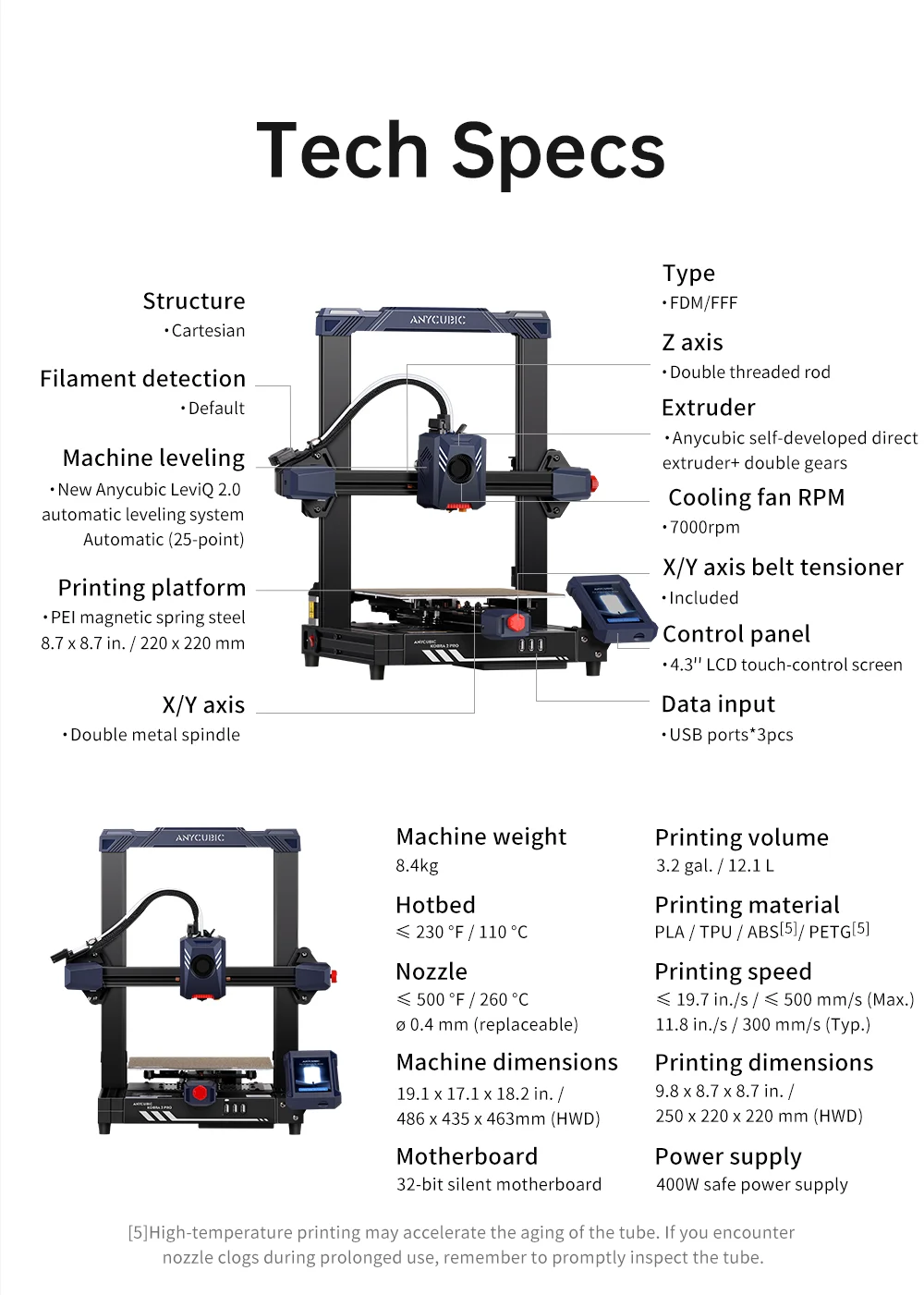
Auto Leveling: Yes
Bed Temp: <230F/110°C
Brand Name: ANYCUBIC
CE Certification: Yes
Certification: CE
Consumables Diameter: 1.75 mm
Fliament: PLA/TPU/ABS/PETG
Hign-concerned Chemical: None
Interface Type: USB
Language: English
Maximum Print Size: 9.8 x8.7 x 8.7in./ 250x220 x220 mm(HWD)
Maximum Printing Speed: 500mm/s
Maximum Working Speed: ≤ 19.7 in./s / ≤ 500 mm/s
Molding Technology: FDM
Nozzle Diameter: 0.4 mm
Printing Speed: 300mm/s
Wireless Connectivity: Wi-Fi
Main Features
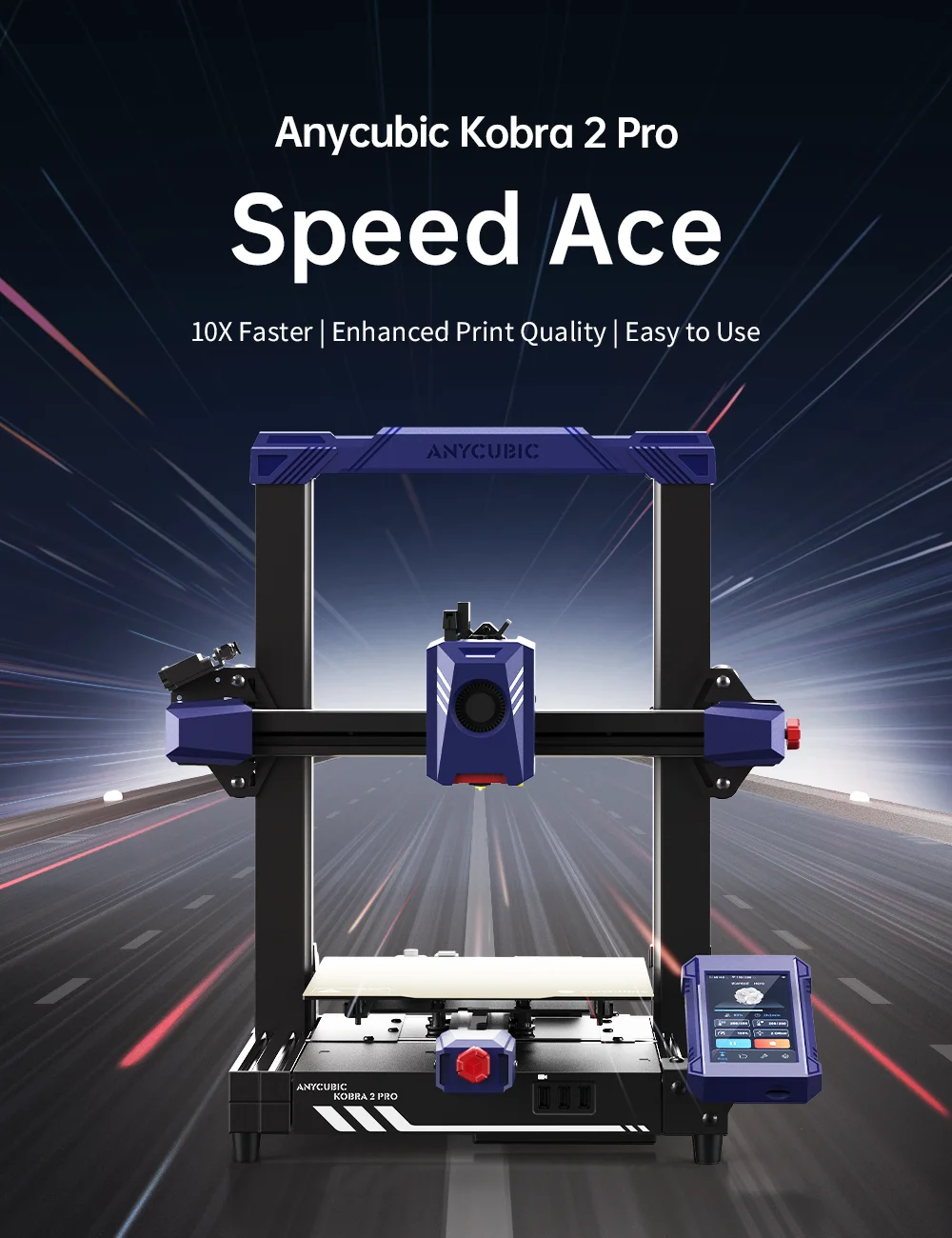
Anycubic Kobra 2 Pro
10x Faster|Quality Printing| Easy to Use
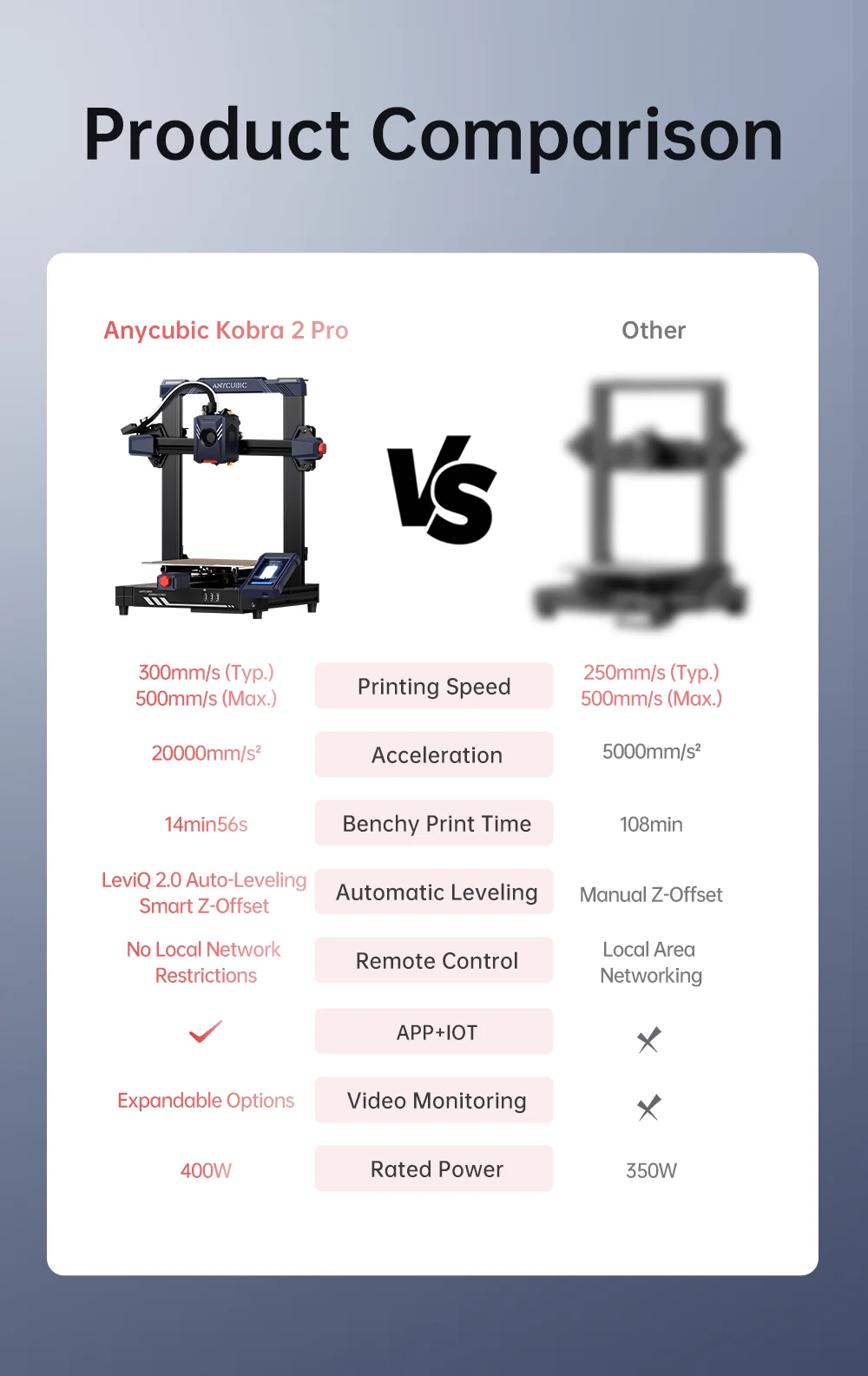
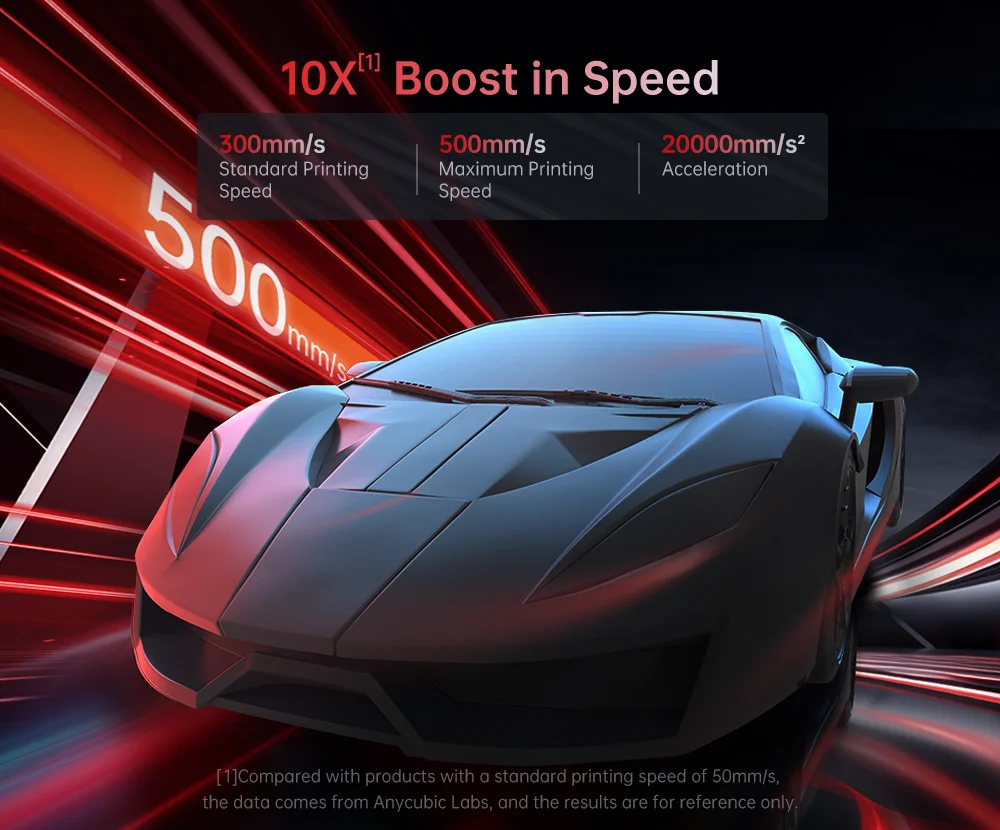
10X Boost in Speed
Compared to mainstream FDM 3D printers, the printing speed is increased by 10 times.
10X Boost in Speed 300mm/s. Standard Printing Speed 500mm/s. Maximum Printing Speed 20000mm/s2.
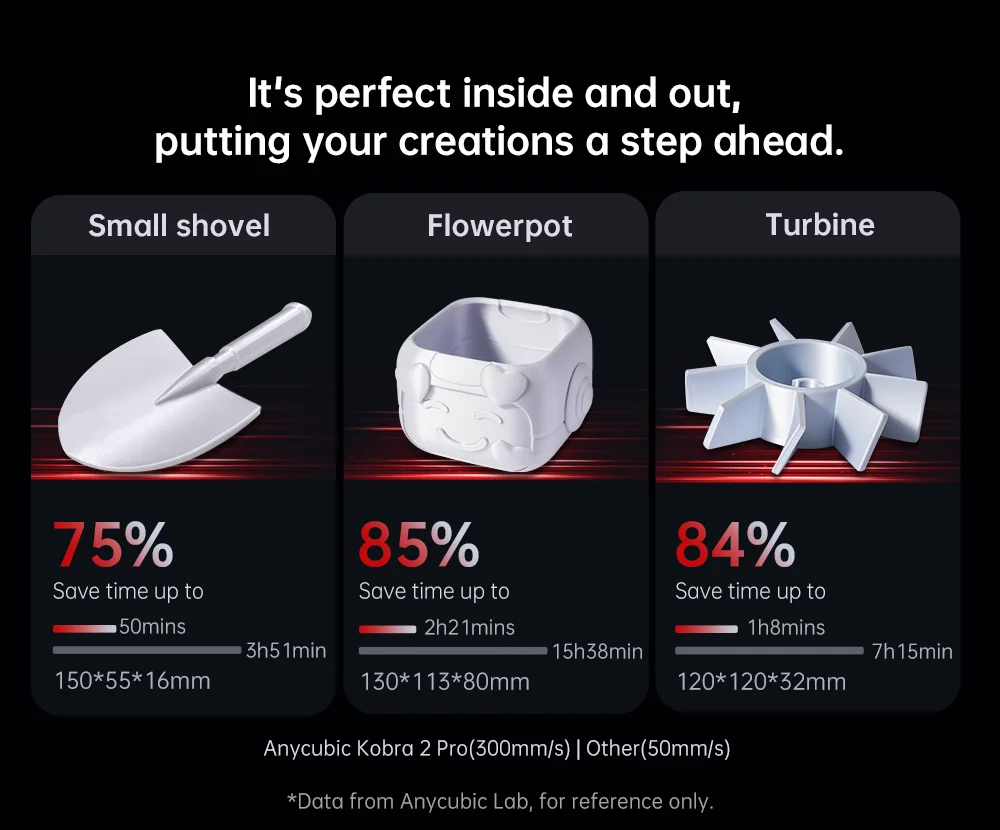
Compared to mainstream FDM 3D printers, the printing speed is increased by 10 times. Compared to products with a average printing speed of 50mm/s, data from Anycubic Lab, results are for reference only.
You can finish a print in just 1 4min56s, reducing the time needed by 86%.
*Based on the test results from Anycubic lab, for reference only.
High Power Powerful Computing
Equipped with a high-performance Cortex-A7 1.2Ghz processor, providing abundant computing power for faster calculation and command execution,and controlling motor movement, which results in 10x faster printing


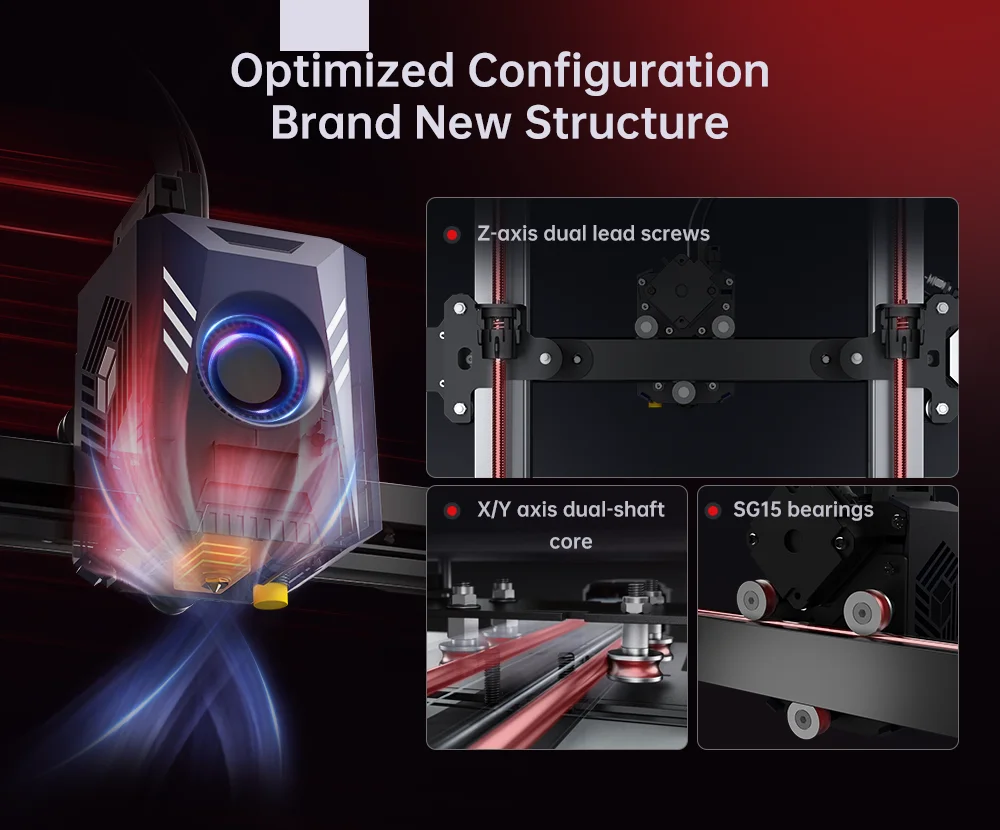
Optimized Configuration --Brand New Structure
By utilizing an optimized direct extruder and a movement structure in the extrusion system and cooling system, it car effectively and precisely deliver the filament, quickly melt and cool to form, and run smoothly to reduce layer lines.
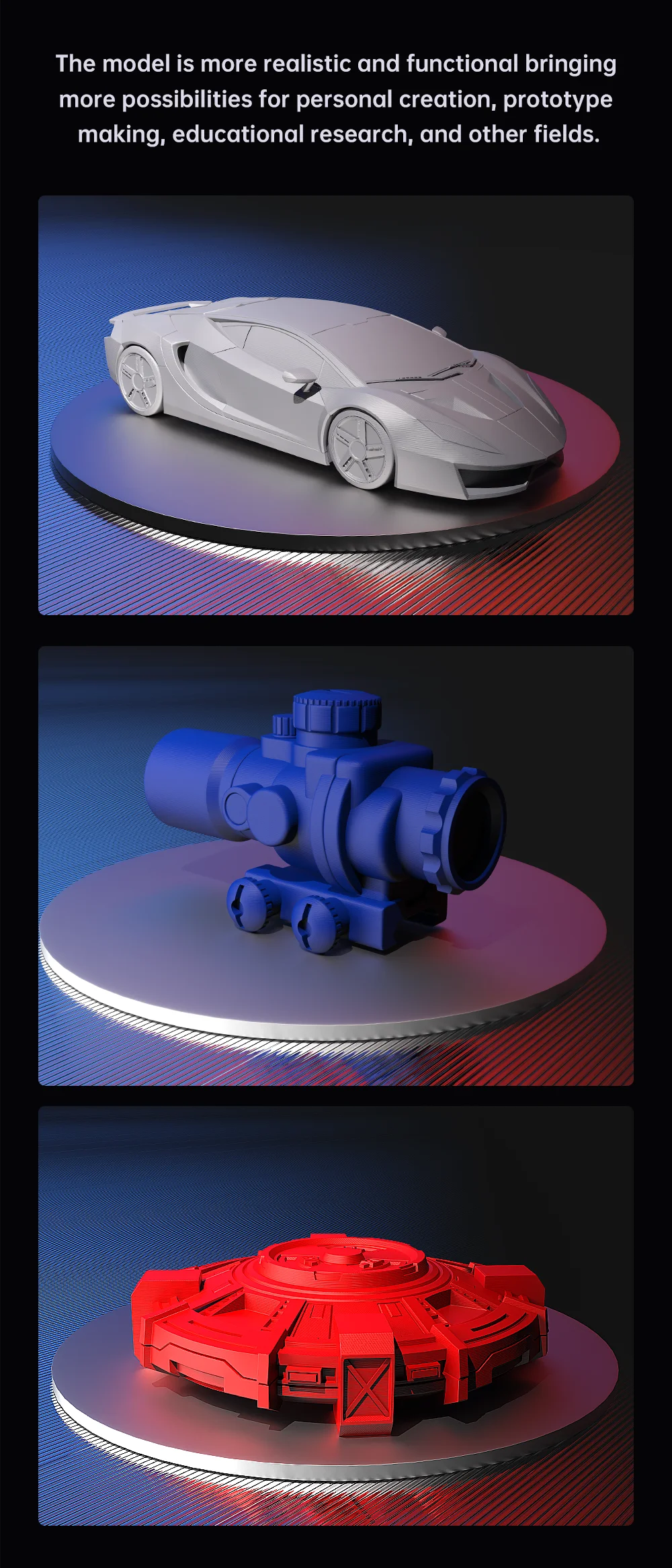
Smooth and Detailed Endures Close Inspection
Vibration Compensation. One-click vibration compensation, by detecting the resonance frequency of the X/Y axis, smart adjustments are made to motion control, effectively eliminating resonance vertical lines and bracket lines, ensuring printing accuracy and stability.
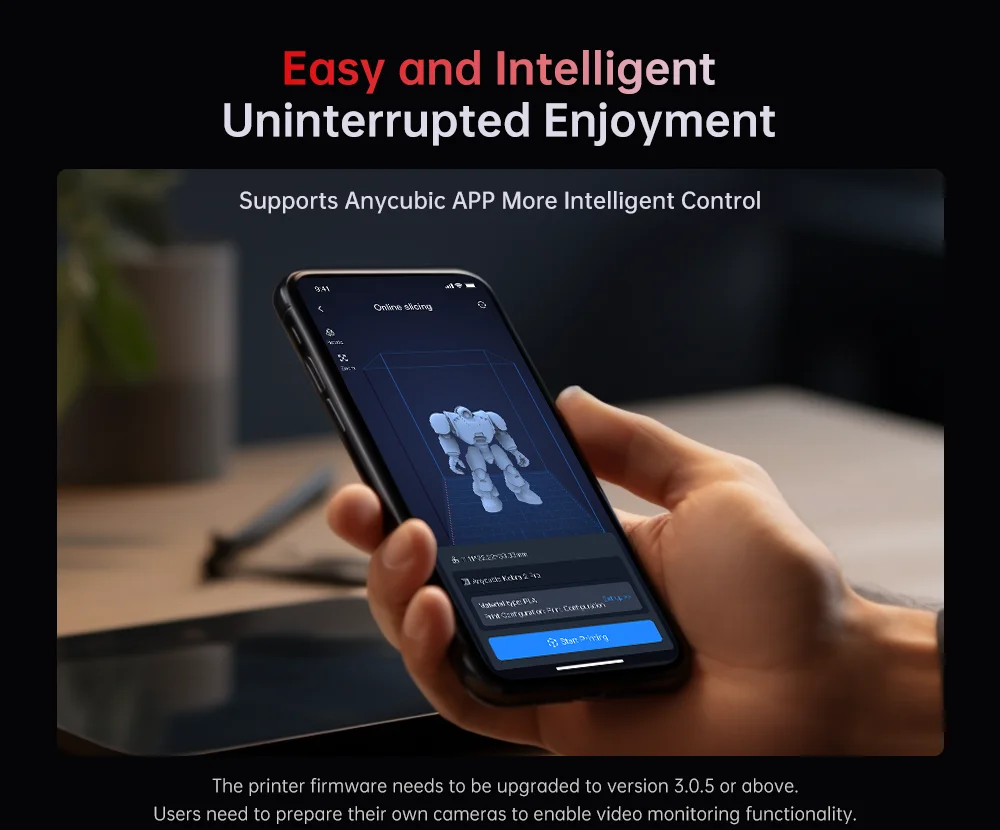
Easy and Intelligent Uninterrupted Enjoyment
Supports Anycubic APP[2] More Intelligent Control. With the new version of Anycubic APP,it can achieve remote networking, firmware upgrade, and real-time viewing of the printer status. lt will also support online slicing and printing, video monitoring[3] and time-lapse photography, remote control and management, and access to the open model library in the future.This will bring the smart experience to your fingertips!
The printer firmware needs to be upgraded to version 3.0.5 or above.
Users need to prepare their own cameras to enable video monitoring functionality.
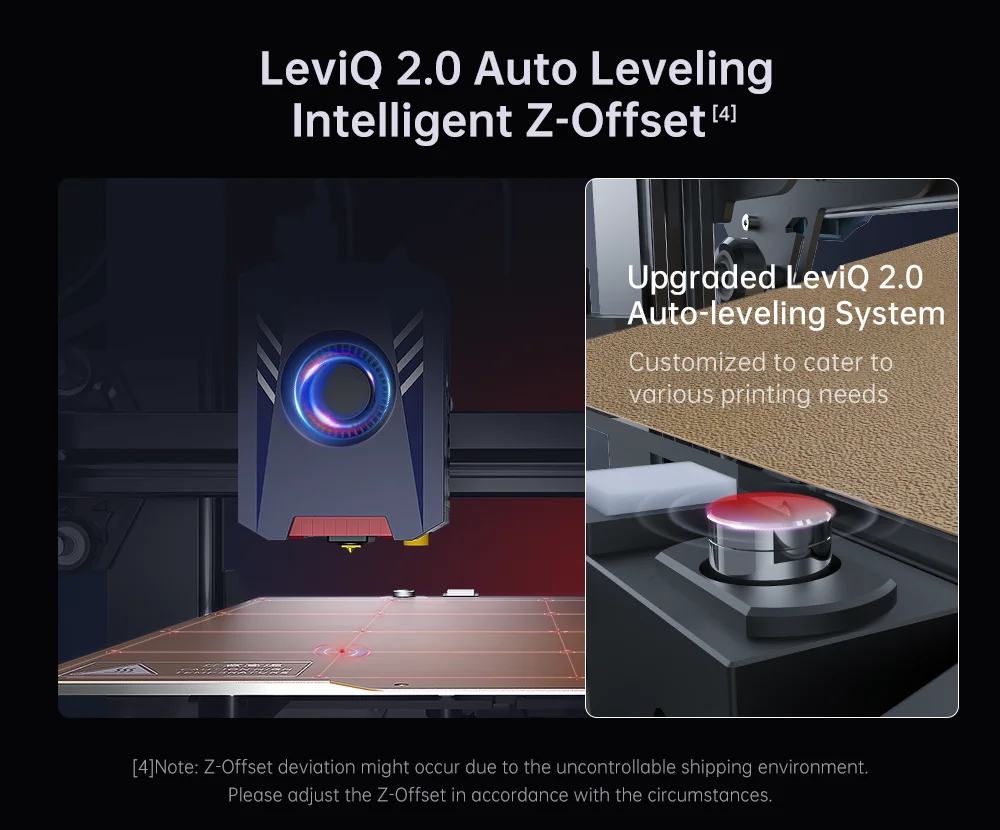
LeviQ 2.0 Automatic
Leveling Smart Z-Offset[4]
By designing a unique module, after automatic leveling, it can intelligently compensate for Z-axis offset, while also supporting custom Z-axis compensation values, meeting the needs of different users and usage environments.One-click quick start for creative ideas, ensuring successful printing. Upgraded LeviQ 2.0 Auto-leveling System. Customized to cater to various printing needs
[4]Note: Z-Offset deviation might occur due to the uncontrollable shipping environment.
*Please adjust the Z-Offset in accordance with the circumstances.
Several Detail Designs Easy Creation
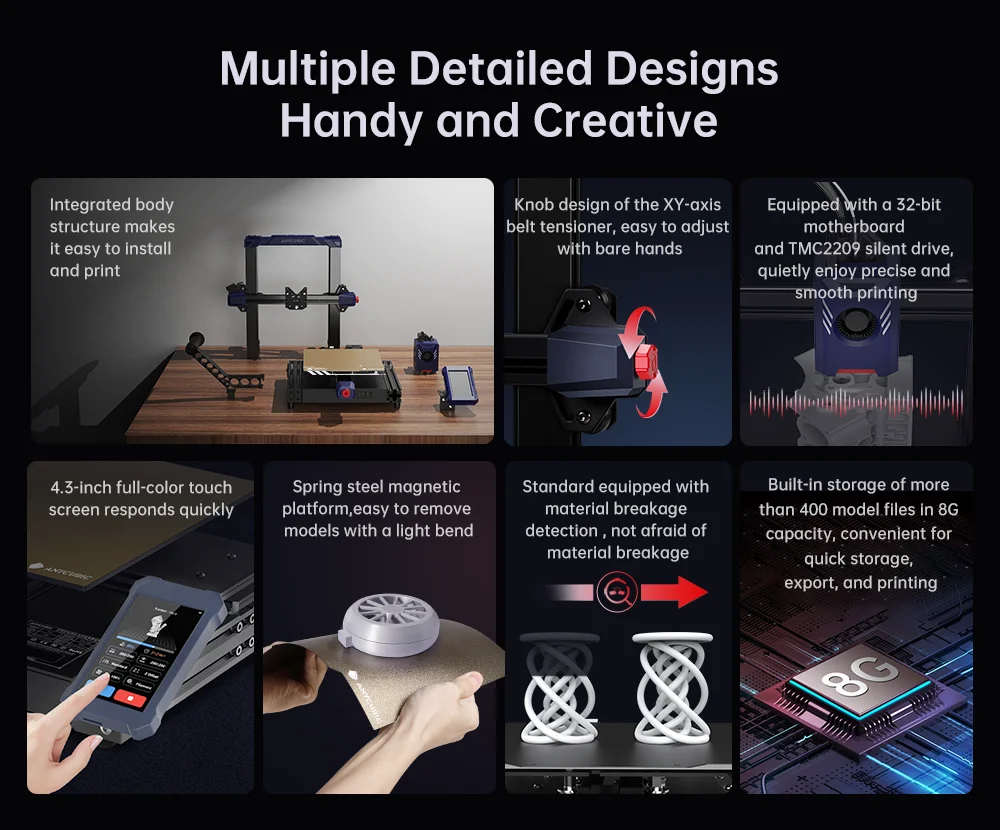
Integrated body structure for easy setting up and printing. 4.3-inch full-color touch screen for sensitive response. Spring steel magnetic platform for easy model removal. Knob design of the XY-axis belt tensioner, easy to adjust with bare hands. Equipped with a 32-bit mainboard and TMC2209 silent drivers, it enables precise and smooth 3D printing.
FAQ
1.Which language does the Kobra 2 Pro support?
The Kobra 2 Pro supports English and Chinese.
2.Does the Kobra 2 Pro have a LAN interface or just WLAN? Can I transfer files directly via WiFi?
The Kobra 2 Pro supports WIFI remote printing, but users need to transfer files via USB disk.
3.How can I connect Kobra 2 Pro to Windows?
The Kobra 2 Pro does not support direct connection between printer and computer.
4.Does the Kobra 2 Pro support other solicer? such as Pursa or Cura.
Anycubic recommends to use the Anycubic Slicer, but we also have recommended parameters for Prusa slicing software and Cura slicing software for our customers which can be found here.